Make a Social Media Calendar That Leaves Room for Good Ideas
Plan content with enough structure to publish consistently and enough flexibility to respond to real audience needs.
A content calendar should reduce last-minute stress, not turn creativity into a factory line. Plan the purpose and production steps for each post while leaving open space for timely questions and ideas that emerge during the month.
Build a calendar you can recover when a shoot slips
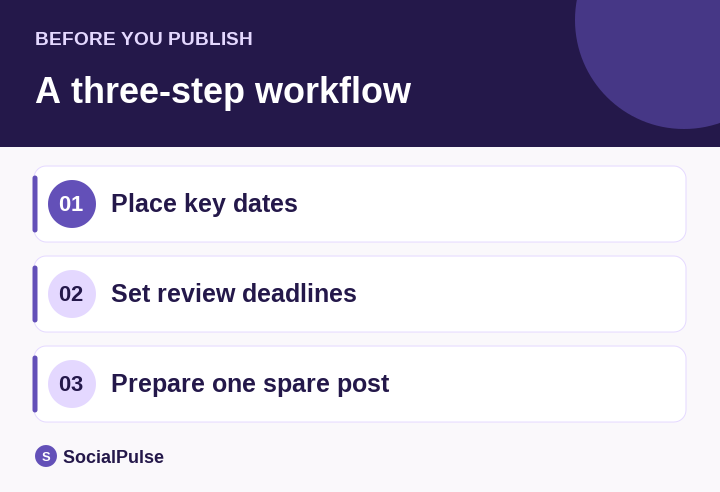
Give each planned piece a viewer question, a format, an owner, and a deadline. Mark each as committed, flexible, or spare. Work backward from any launch date and add a review date for captions and links. Keep the plan in a tool you already open every day.
Worked example
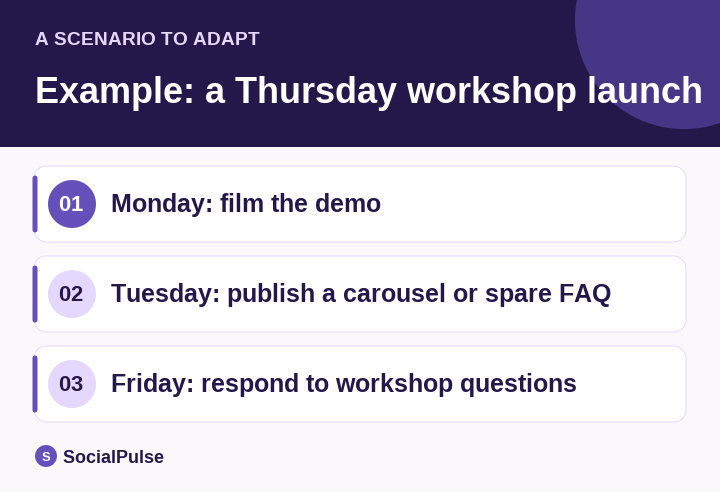
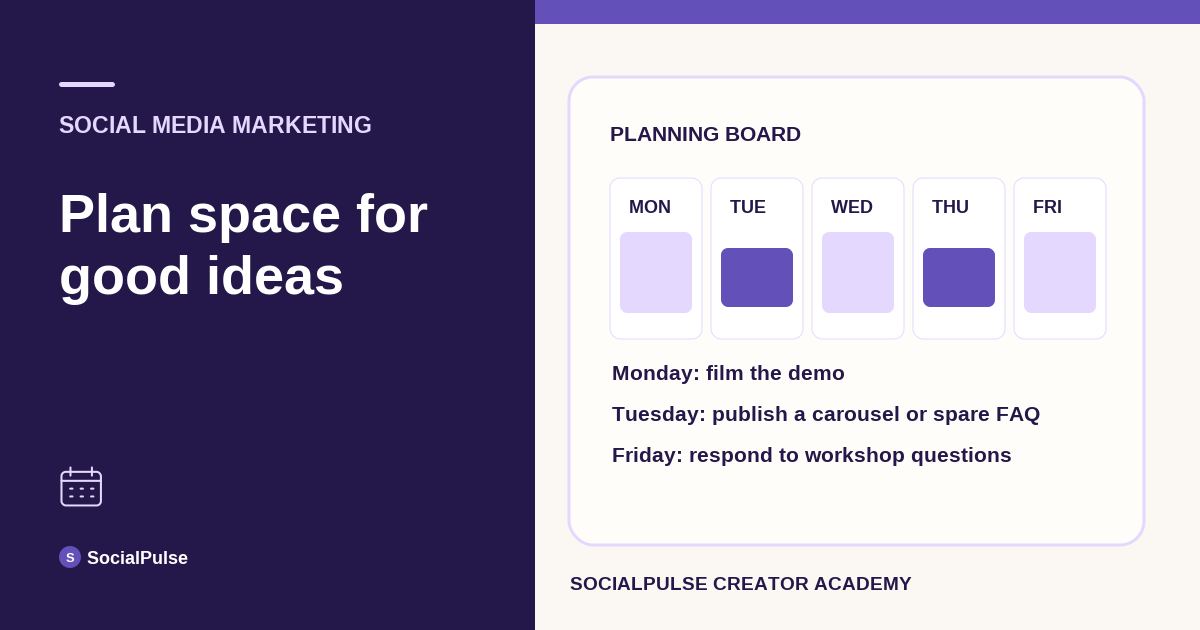
For a Thursday workshop launch, film a 20-second demo on Monday, schedule a carousel answering one beginner question for Tuesday, and set the launch post for Thursday. Keep a ready-to-publish FAQ that can replace the carousel if the edit is late. Leave Friday flexible for a follow-up based on comments.
What to do with the result
At the end of the week, write the reason for each moved item: missing approval, filming, edit time, or lack of a clear brief. Fix the cause that shows up twice. If approvals are the bottleneck, move the review earlier instead of adding more draft ideas.
Plan by themes before dates
Choose the topics that support your current goal, then decide which channel and format suit each one. Only after that should you place the work on a calendar. This prevents a grid of empty slots from forcing ideas that do not help the audience.
Add production checkpoints
Record the owner, draft deadline, approval need, asset status, and scheduled date. A simple status column can reveal bottlenecks before a publishing day arrives. For solo creators, the “owner” may be you; the value is seeing which task needs attention next.
Protect a flexible slot
Leave capacity for a strong audience question, a timely update, or a follow-up to a post that sparked discussion. If no urgent idea appears, use the time to improve a draft or rest. A calendar works best when it helps you make considered choices rather than publish something on autopilot.
A working guide for your next session
Build the calendar around ideas and capacity
Give each post a topic, audience question, intended purpose, owner, and realistic production date. Include the time needed for review and responses, not only publication. A small calendar that the team actually uses is more helpful than a dense plan filled with tentative posts that no one can finish.
Keep flexible space for timely work
Reserve some capacity for audience questions, important updates, and ideas that emerge during the month. Mark scheduled items separately from ideas so the calendar does not create a false sense of commitment. Establish who can approve a change and how collaborators will know about it. Flexibility works best when the process is clear.
Review the calendar as a learning record
At the end of the cycle, look at what was published, what moved, and why. Compare performance only where the goals and formats are similar. Note the ideas that sparked meaningful conversations and the production steps that caused delays. Use those observations to make the next calendar easier to execute, rather than simply adding more posts.