Write Clear Video Titles and Descriptions for Search
Describe a video accurately so viewers can recognize its subject and decide whether it answers their question.
A title is a promise about the video. A description gives people more context and can help them find a related resource. Both should make the content easier to choose, not imply a result the video cannot provide.
Write the title after you identify the proof
Make a list of what the finished video actually demonstrates. Put the most specific outcome in the first part of the title and use the description to name the sections or materials that support it.
Worked example
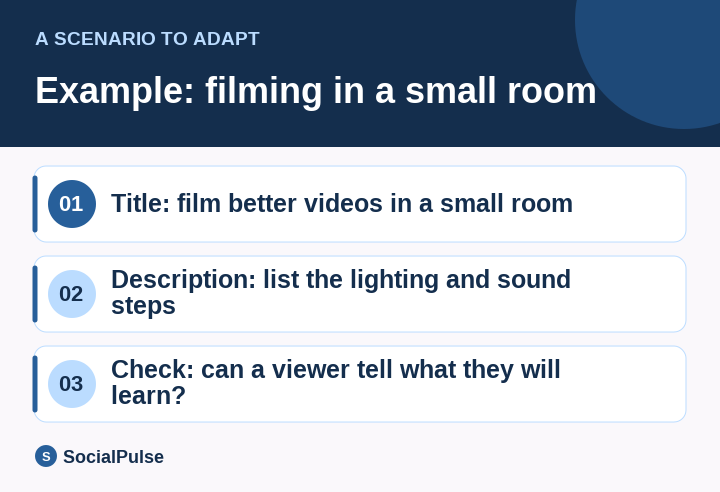
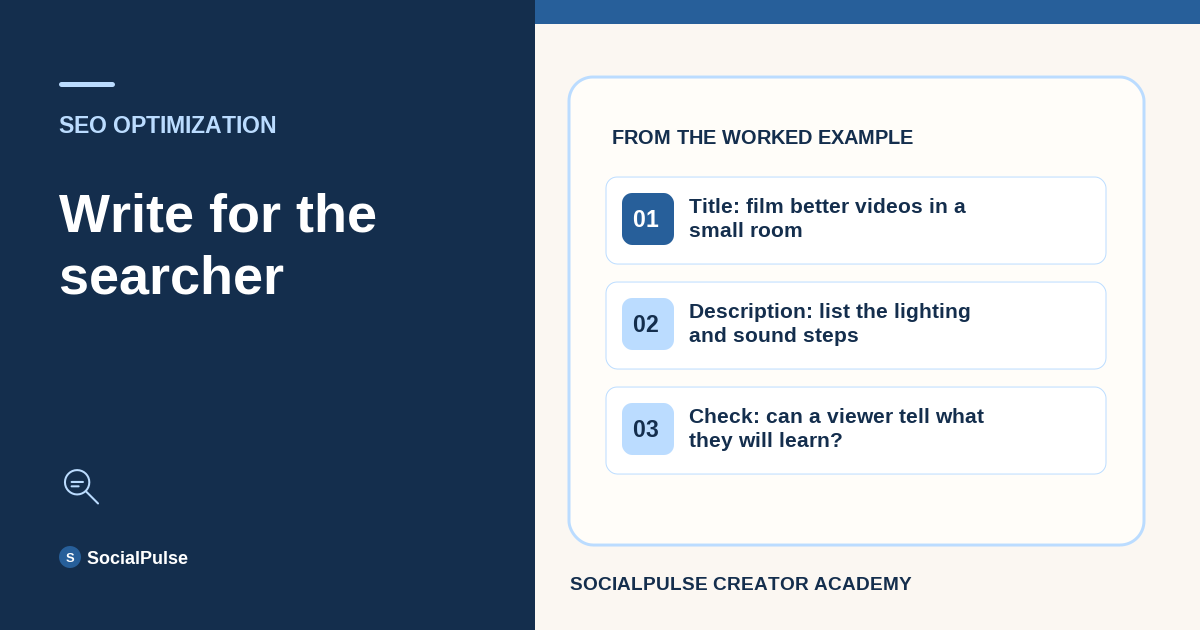
“Better videos fast” becomes “Film in a small room with one light.” The description can explain where the light goes and what the viewer can do with window light if they lack the lamp.
What to do with the result
Show the title to someone who has never seen the channel. If they expect gear recommendations when the video teaches placement, replace the ambiguous wording.
Put the subject near the beginning
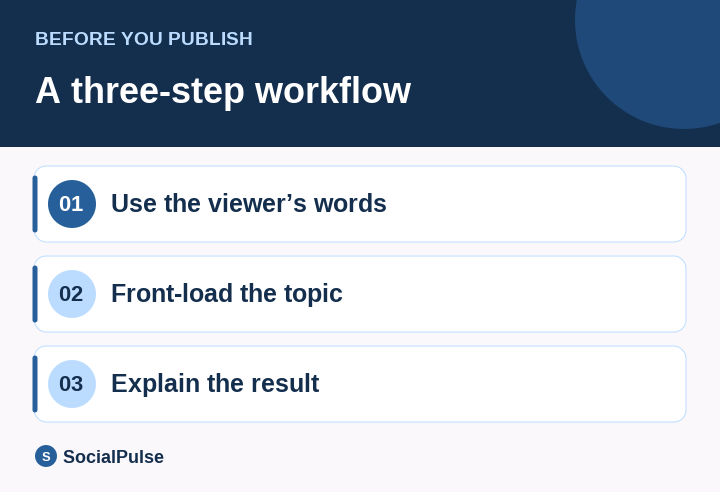
Use a phrase that names the topic and the viewer’s situation. Keep the most useful words early because titles may be truncated on phones. Remove unnecessary episode details from the front unless they are essential to recognizing a series.
Make the description specific
Summarize what the viewer will learn, mention relevant chapters or links, and identify any prerequisite or limitation. Avoid pasting a long block of unrelated keywords. If a resource is central to the video, label it clearly and confirm that the destination works.
Keep metadata aligned with the actual content
If the video changes, revisit the title and description. For a page that embeds a video, Google’s video guidance recommends unique titles and descriptions for individual watch pages. Accurate metadata supports a better click and a more satisfying watch.
A working guide for your next session
Lead with the subject and useful angle
A clear video title names what the viewer will learn or see, using wording people naturally understand. Avoid vague curiosity that hides the topic and avoid promising a result the video cannot deliver. A concise title makes it easier for the right viewer to choose the video and for you to assess whether the content matched its promise.
Use the description to answer practical questions
Place the core summary early, then add relevant links, credits, chapters, or resources when they genuinely help. Explain important conditions and name tools accurately. Do not fill the description with unrelated keywords or repeated phrases. If the video supports a series, link to the next useful step rather than adding a long list of destinations with no priority.
Review the package after publishing
Check how viewers found the video and whether their comments suggest the title created the right expectation. A low click-through rate is not, by itself, proof that the title is bad; impressions, audience, and context matter. If you test a change, record what changed and when, then give the new package time to collect comparable data.