Compare AI Creative Tools Before You Subscribe
Run a small, fair tool comparison using the same brief, editing pass, export, and rights checklist.
A tool comparison is only useful when the products are asked to do the same job. A polished demo or a feature list may not reveal how much time a creator spends correcting output or moving files between apps.
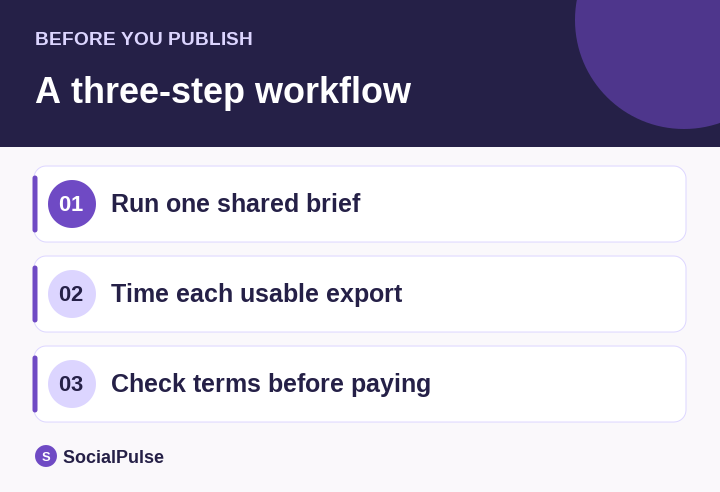
Run a timed trial with the same production brief
Choose one repeatable job, such as a background for a video thumbnail. Hold the brief and final size constant. Record generation time, retries, time fixing the output, number of usable exports, and whether you can edit the result in your normal tools. Check the current export limits and terms for the exact plan you are considering.
Worked example
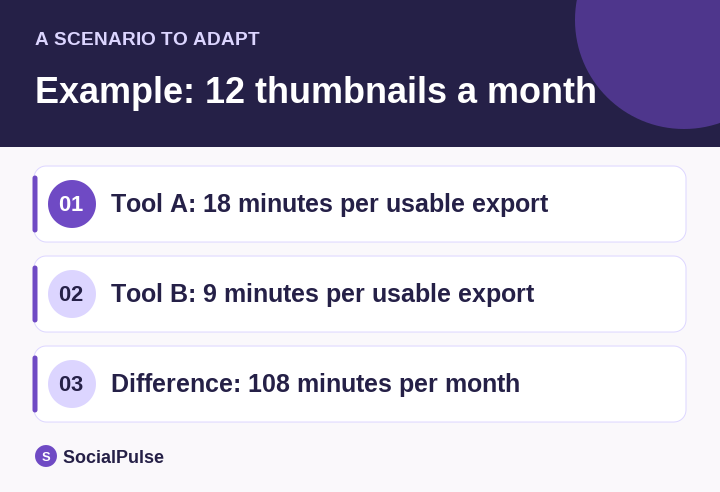
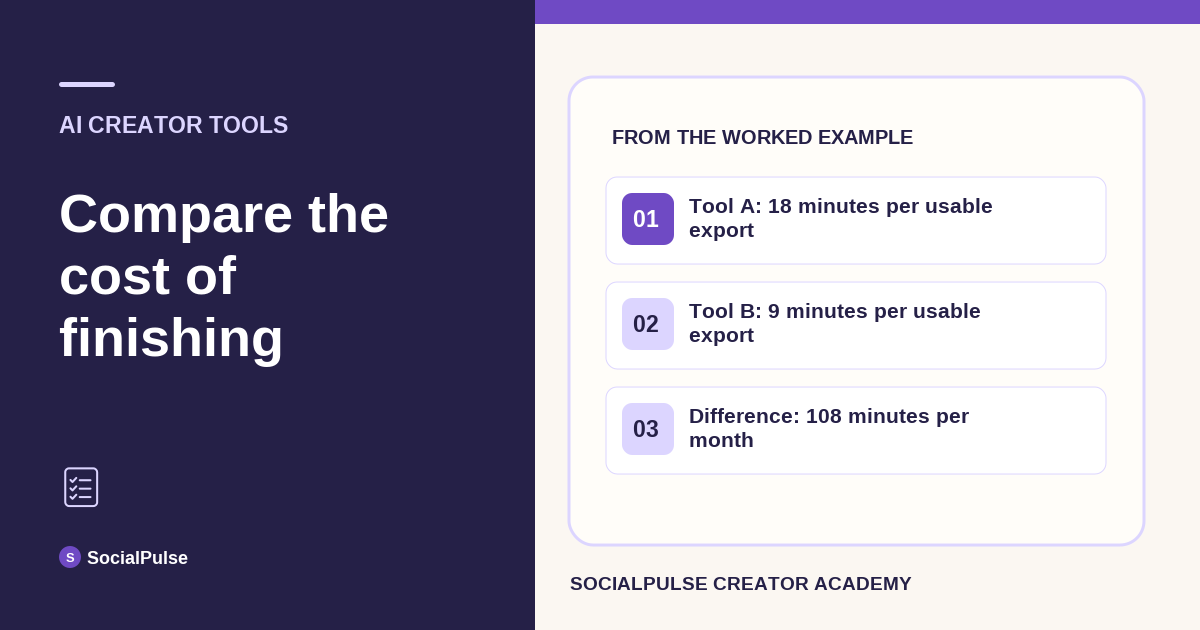
Illustrative calculation: Tool A takes 18 minutes to produce one usable export and Tool B takes 9 minutes. At 12 thumbnails a month, that difference is 108 minutes. Add your own estimate of labor cost and subscription charges. A tool with cheaper credits can still be more expensive once cleanup is included.
What to do with the result
Choose the option that produces a usable asset within your constraints. Review its commercial use and data handling terms before uploading client material. If the license or retention rules are unclear, remove client assets from the trial until you have an answer.
Use the same sample brief
Choose one ordinary task from your workflow and prepare the same input for each tool. Record the time to reach a publishable result, not merely the time to generate a first draft. Note where you had to rewrite prompts, repair artifacts, or rebuild the design elsewhere.
Compare the full cost of finishing
List subscription fees, included usage, export limits, watermark rules, and any additional editing software you need. A low-cost tool may create more manual work; a premium tool may save time only for a specific high-volume task. Avoid relying on an old price screenshot.
Make the choice reversible
Test a short period or free allowance before moving a team workflow. Export working files and keep source assets organized so the process is not locked into one service. Review the current terms and privacy settings again when the tool changes its models or plans.
A working guide for your next session
Compare tools on the same small task
Choose a realistic project and use a consistent brief with each tool. Compare output quality, time to a usable result, editing control, export restrictions, and accessibility. A polished demo may not match your normal work, so test with the kinds of source files and constraints you actually have. Keep a simple record rather than relying on memory.
Calculate the cost beyond the monthly price
Check generation credits, export resolution, watermarks, collaboration seats, commercial-use terms, storage, and cancellation conditions. Estimate how often you would use the feature and what it replaces. A low introductory price can hide limits that matter later. Do not enter payment details until you have checked the plan, renewal terms, and account cancellation path.
Choose the tool that fits your process
Consider privacy, learning time, integrations, support, and whether the tool works with your existing files. A tool that saves minutes but creates hours of quality control may not be a good fit. If you are unsure, finish the trial with a real deliverable and ask whether you would choose it again at the normal price. Recheck terms before renewing because product plans change.