Turn One Good Idea Into a Short Video
Shape a single creator insight into a concise script, a clear visual sequence, and a satisfying ending.

Short videos are easier to make when they carry one idea. Before opening an editor, write the sentence you want the viewer to remember. Every example, cut, and caption should help that sentence land.
Shoot a five-minute proof sequence
Write the one thing a viewer should be able to do after watching. Set up a phone and capture three clips: the problem in close-up, one action in a wide shot, and a close-up of the result. Hold each take for two extra seconds so there is room to trim.
Worked example
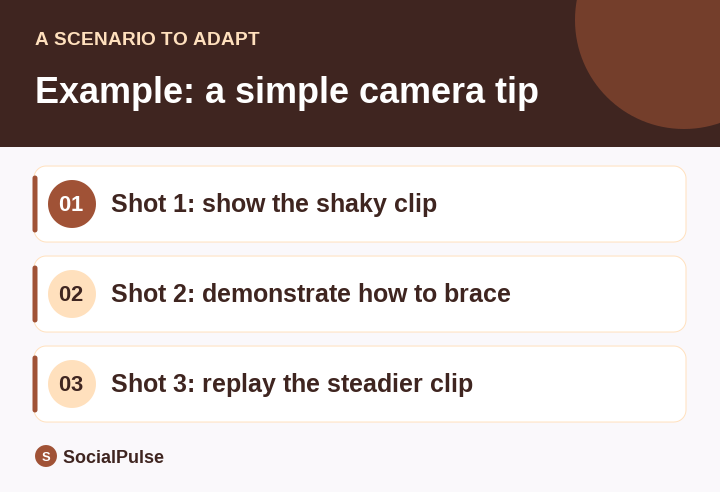
A steadier handheld shot needs a shaky sample, a clip showing elbows braced against the torso, and a repeat of the same camera move. Use the same subject and framing so the comparison demonstrates the technique. Add a short caption at the point where the viewer needs the instruction.
What to do with the result
Watch the rough cut with the sound off and ask someone to name the action. If they describe the camera model instead of the bracing technique, tighten the middle shot. Record a missing close-up before adding effects or music.
Find the tension or question
Useful ideas often begin with a choice, misconception, or small problem: “I tried the common fix, but this is what worked.” State the tension in language your audience would use. If the idea needs three unrelated explanations, split it into a sequence of posts.
Plan visuals that prove the point
For a demonstration, film the object or action clearly. For a story, capture the moment that makes the decision visible. A simple shot list reduces reshoots and helps you remember close-ups, screen recordings, or before-and-after examples that support the narration.
Edit around meaning
Trim pauses that do not create emphasis, but keep moments that make the process understandable. Add captions for accessibility and check that they do not hide key details. Finish with the result or lesson. A single relevant next step is stronger than several generic requests.
A working guide for your next session
Find the single change the viewer should notice
Start with a small observation, question, or result—not with a list of everything you know. Decide what the viewer should understand by the end. If the idea needs a long explanation, choose one useful part for this video and save the rest for another format. A narrow promise makes the script easier to write, filming easier to plan, and editing easier to judge because every shot can be checked against the same purpose.
Write a beat sheet before a full script
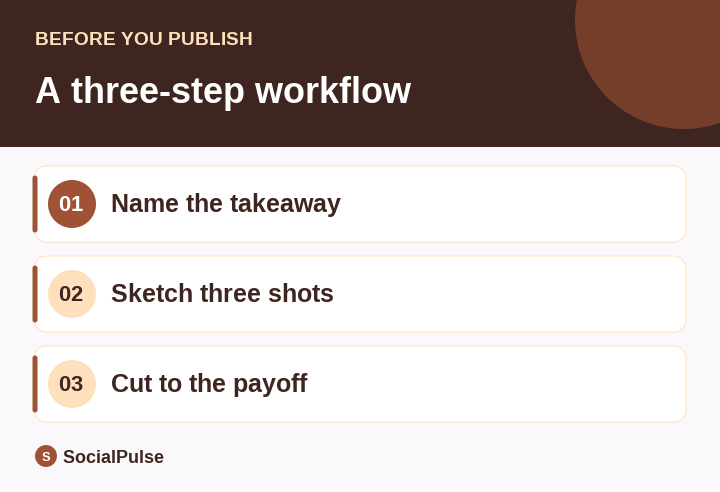
Outline three or four beats: the opening situation, the action or explanation, a detail that proves the point, and the payoff. Use language you would naturally say aloud. Read the opening at speaking speed and remove throat-clearing phrases. If the video is visual, plan the shots that carry meaning; if it is a tutorial, make each step visible. A beat sheet keeps the story moving while leaving room for a natural delivery.
Capture only the footage the idea needs
Choose a quiet recording space, make the subject easy to see, and check audio before recording several takes. Record one clean version of the main action, then gather close-ups or supporting shots that answer likely viewer questions. Keep the camera steady when clarity matters and use movement only when it adds meaning. Review the footage at the size where most viewers will watch. A polished setup is helpful, but intelligible sound and a clear subject matter more than extra gear.
Edit for understanding and accessibility
Remove pauses that do not add emphasis, but keep enough breathing room for the viewer to follow the action. Add captions, check spelling, and make on-screen text large enough for a phone. Do not rely on color alone to communicate a step. Before export, watch once without sound and once without looking at the screen; each pass can reveal a different clarity problem. Then write a caption that adds context or a next step instead of repeating the video word for word.